
WEB PROTECTION FOR ANDROID
A safer next tap.
No account needed.
Help block connections to phishing, scam and malware domains identified by Gridinsoft.
Official website APK · Android 10+
Try it free for 14 days on this installation. Your trial starts when you first turn protection on, not when you download the app. No card required.
How to install the APK
Open the downloaded file and tap Install. If Android asks, allow installation from your browser. You can turn that permission off afterwards. The app checks for updates; Android asks you to confirm each update installation.
Installed already? See how to turn protection on
Already have an account? Sign in and connect your existing access. Recover access.
On a computer or iPhone?
This download is for Android 10 or later. Open this page on your Android phone to install it.
FROM HERE TO PROTECTED
Open it. Turn protection on.
Tap “Try free for 14 days”
Open Web Protection and start without an account. Saving access with email is optional.
Read the disclosure and approve the VPN request
Follow the app’s Turn on step. Android’s connection permission is required. If you decline, protection stays off; you can try again in the app.
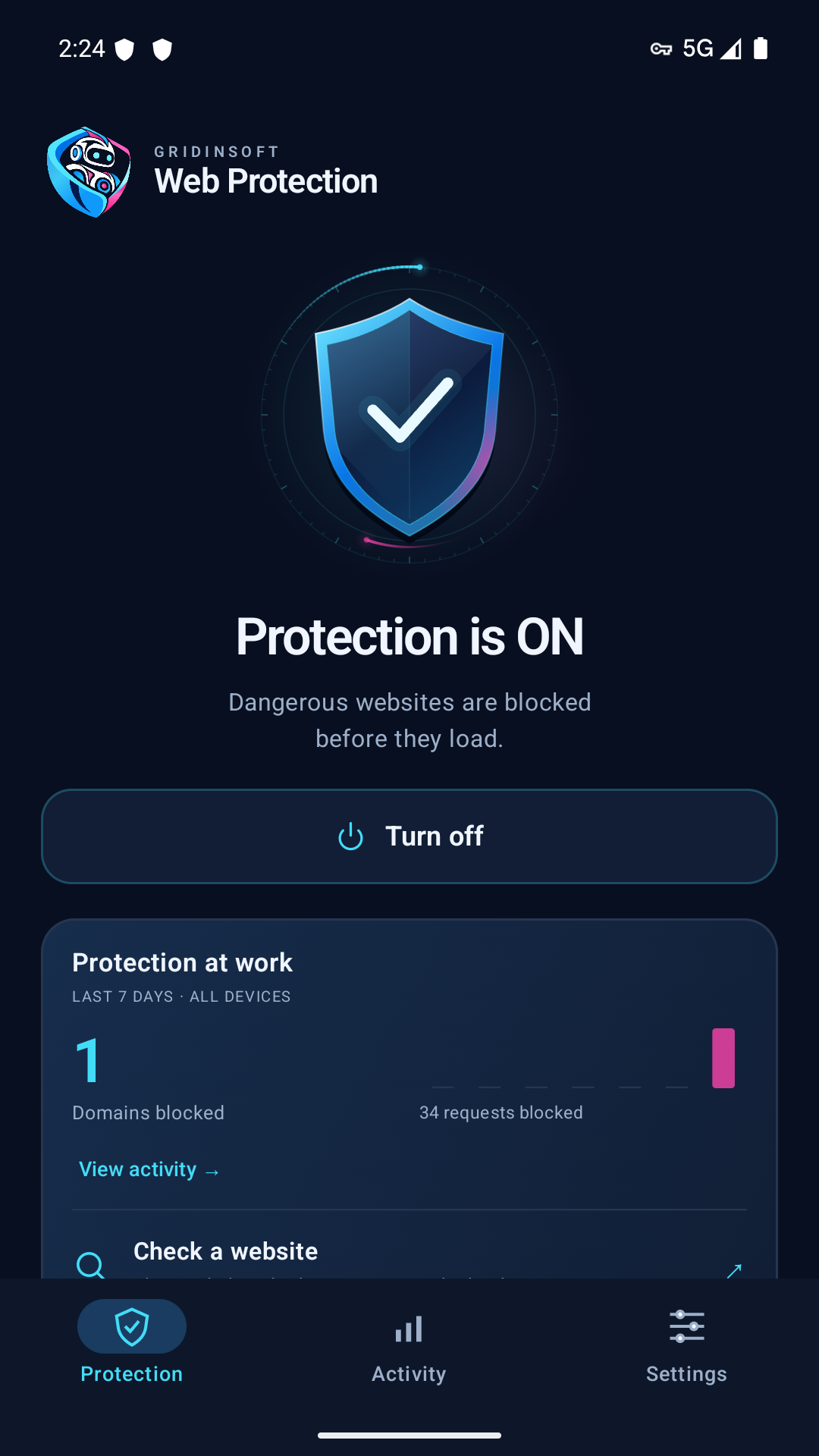
Look for “Protection is ON”
Only the app can confirm protection is running. A download or a visit to this page does not enable protection.
BEFORE YOU START
A few good
questions.
Why does it use Android’s VPN connection?
Web Protection sends domain lookups securely to Gridinsoft for filtering. It does not hide your IP address or change your location. Android allows one active VPN at a time; apps using their own encrypted DNS may bypass protection. It does not inspect every page or detect every threat.
Do I need to register or add an email?
No. Guest protection works on this installation. You can optionally save access with email in the app. Confirm ownership of that email to recover access and manage your account. An unverified email does not give access to other devices or subscriptions.
What happens after the trial?
To continue, choose a paid plan in the app. The website APK opens PayPro checkout without a Member login; enter your email in the payment form. A completed purchase is linked to this installation. Purchased device places add to existing subscriptions. Until you confirm your email, guest access remains limited to this installation. Review the price and renewal terms at checkout; the trial does not charge you automatically.
Does this apply to Google Play or other platforms?
These guest setup instructions apply to the official Android APK downloaded from this website. Google Play has a separate release and setup flow. This page does not offer guest activation for iPhone, Mac or Windows.
Read the license terms and Web Protection privacy notice. Existing customers can manage devices and subscriptions.